
Deleting or Changing a Series
If the current Series no longer meets your needs, you can archive it. Archiving does not delete the Series, but it stops new videos from being generated. You can then create a new Series with a different topic.
💡 Archiving a Series immediately stops new video generation and releases any reserved, unused credits. You can use those credits to create another Series or to use other BigMotion tools.
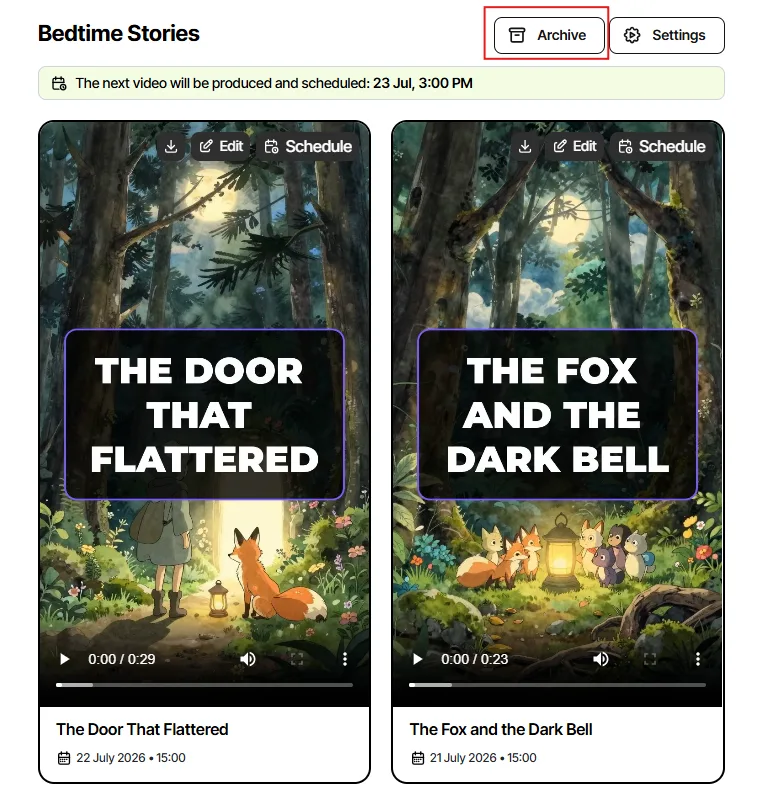
To archive the Series, just open it, and click “Archive” at the top of the page.
No items found.